Discovering Vidu Q3: My First Hands-On with Next-Level AI Video Generation
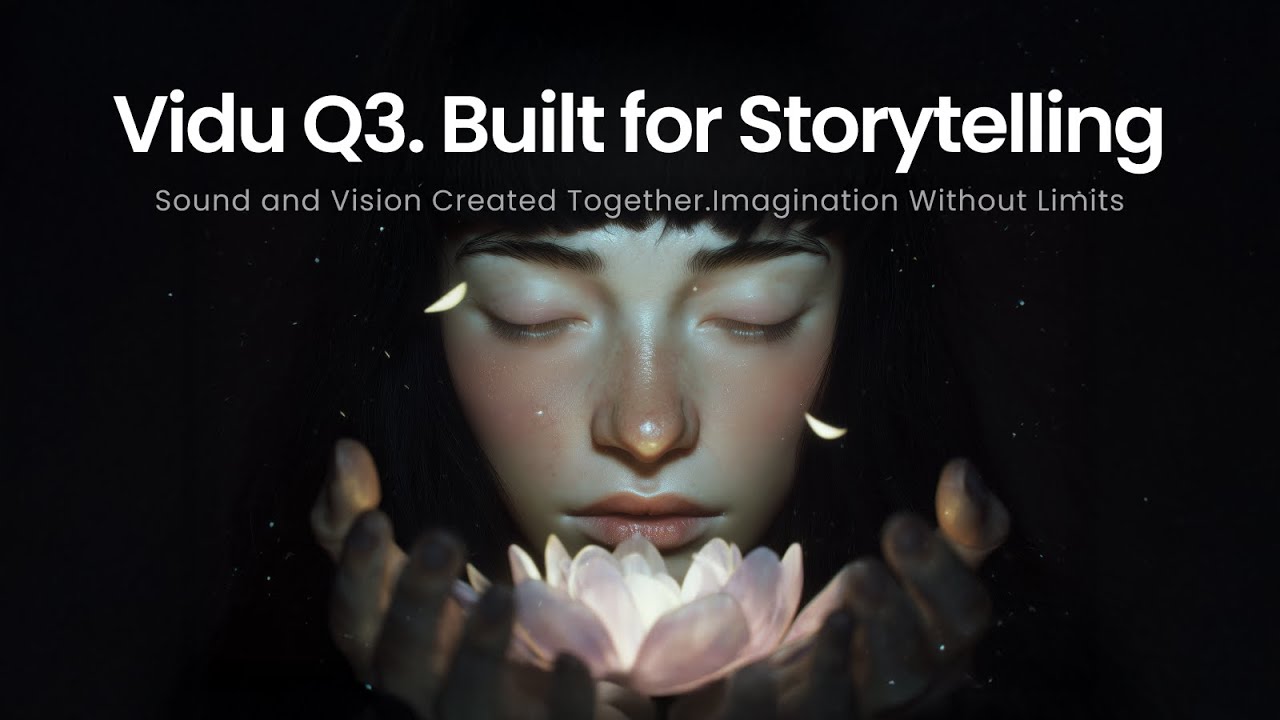
It seemed like a genuine leap toward tools that creators could actually use for real storytelling, ads, or short narrative pieces without spending hours in post-production.
As someone who's been following the rapid evolution of AI video tools for the past couple of years, I’ve seen models come and go—some impressive in short bursts, others frustratingly limited by silent clips, awkward lip-sync, or clips that barely reach 5 seconds before falling apart. But when I first read about Vidu Q3 a few days ago, something felt different. This wasn’t just an incremental upgrade; Vidu Q3 seemed like a genuine leap toward tools that creators could actually use for real storytelling, ads, or short narrative pieces without spending hours in post-production.
Developed by Shengshu Technology (closely tied to top research from Tsinghua University), Vidu Q3 was released in late January / early February 2026 and immediately grabbed attention for being the industry's first long-form AI video model to generate native audio and video in a single pass. With Vidu Q3, no more generating silent footage and then desperately trying to match voiceovers, sound effects, or background music in editing software. Vidu Q3 delivers everything synced from the model itself in one unified generation.
Try Vidu Q3 and generate your own audio-synced videos
What Immediately Stood Out to Me About Vidu Q3
The headline specs of Vidu Q3 are hard to ignore:
- Up to 16 seconds of continuous generation in a single run with Vidu Q3 — significantly longer than most competing models at the time.
- Native 1080p output from Vidu Q3 with cinematic lighting, improved physics simulation, and remarkably natural human motion (especially in dynamic scenes like action or dialogue).
- Built-in audio-video synchronization in Vidu Q3: dialogue with precise lip-sync, ambient sound effects, background music (BGM), all generated together and timed perfectly to the visuals by Vidu Q3.
- Intelligent multi-shot storytelling via "Smart Cuts" — Vidu Q3 decides when to switch camera angles, perspectives, or locations to better tell the story, rather than forcing everything into a single static shot.
- Support for text-to-video, image-to-video, and reference-based modes in Vidu Q3 (using multiple images for character or scene consistency across angles).
- Multilingual voice generation and even native subtitle embedding with Vidu Q3 (text appears as part of the visual composition, not slapped on later).
Rankings from independent benchmarks (like Artificial Analysis) placed Vidu Q3 #1 in China and #2 globally among video generation models shortly after launch. That’s no small feat in a field that’s become fiercely competitive.
My First Experiment with Vidu Q3: From Prompt to Finished Clip
Curious, I decided to try Vidu Q3 myself. I was looking for a straightforward way to access Vidu Q3 without too much setup, and I landed on a clean interface that lets you jump right in with Vidu Q3.
I started simple: a text prompt describing a short dramatic scene — "A lone detective in a rainy neon-lit city street at night, coat flapping, pulls out a photo of a missing person, looks up with determination as thunder cracks, camera slowly pushes in on his face while dramatic orchestral music swells." I selected Vidu Q3, set the duration toward the longer end, and hit generate.
About 10–20 seconds later (depending on queue), the video from Vidu Q3 appeared — and I was genuinely impressed.
- The rain felt physical: droplets realistically bouncing off surfaces, reflections shimmering on wet pavement — all handled seamlessly by Vidu Q3.
- The camera movement was smooth and intentional — a slow push-in that built tension without feeling artificial, thanks to Vidu Q3's cinematic understanding.
- Audio was the real shock with Vidu Q3: thunder timed perfectly, rain pattering, distant city hum, subtle orchestral build-up that rose exactly as the detective looked up. His facial expression shifted naturally, and if there had been spoken lines, the lip-sync from Vidu Q3 would have been spot-on (I tested that in a follow-up prompt).
- At around 14–15 seconds, it included a subtle cut to a wider angle showing the empty street behind him — the "smart cut" feature in Vidu Q3 kicking in to enhance the mood without me specifying it.
No post-sync needed. No frame flickering or weird morphing. Just a coherent, cinematic mini-sequence from Vidu Q3 ready to drop into a larger project or share directly.
I followed up with an image-to-video test using Vidu Q3: uploaded a still photo of a fantasy character I created earlier, prompted "The warrior draws her glowing sword, leaps forward in slow-motion toward the camera as wind whips her hair, epic fantasy music and sword whoosh effects." Again, motion was fluid, physics believable (hair, clothing, sword trail), and audio perfectly matched the intensity — all natively from Vidu Q3.
Try Vidu Q3 and generate your own audio-synced videos
Why Vidu Q3 Feels Like a Turning Point
For creators — whether indie filmmakers, marketers making product demos, YouTubers crafting intros, or social media creators chasing viral shorts — the combination of longer duration + native audio sync in Vidu Q3 changes the game. Previous models often forced you to:
- Generate 4–8 second silent clips
- Stitch them manually
- Add audio separately (with all the timing headaches)
- Fight consistency issues across shots
Vidu Q3 collapses much of that workflow into one prompt. You describe the story beat, mood, camera language, and even implied sound design — and Vidu Q3 handles the rest. For quick-turnaround commercial work (think 15-second ads), Vidu Q3 could save enormous time.
Of course, Vidu Q3 isn't perfect yet. Complex multi-character dialogue scenes can sometimes have minor inconsistencies, and generation queues can build up during peak hours. But compared to where we were even six months ago, the progress with Vidu Q3 is staggering.
Give Vidu Q3 a Try Yourself
If you're as curious as I was, I highly recommend jumping in and experimenting with Vidu Q3. A great place to start is right here:
Try Vidu Q3 and generate your own audio-synced videos
It's straightforward, supports both text and image inputs with Vidu Q3, and lets you experience the native audio-video magic of Vidu Q3 firsthand. Start with short prompts to get a feel for Vidu Q3, then push toward more narrative-driven ideas using Vidu Q3.
Final Thoughts on Vidu Q3
Vidu Q3 isn't just another model drop — it's a signal that AI video is moving decisively toward production-grade storytelling tools. The "China speed" narrative around Shengshu's releases feels accurate: they iterated fast from earlier versions to this audio-integrated, longer-form beast called Vidu Q3. I'm excited to see where Vidu Q3 goes in the next few months. Will we start seeing full 30–60 second shorts made almost entirely with Vidu Q3? Will native audio capabilities in Vidu Q3 expand to more complex scripts?
For now, Vidu Q3 has me hooked — and actually using AI video in real creative flows instead of just marveling at demos. What about you? Have you tried Vidu Q3 yet? Drop a comment with your best (or funniest) generation so far using Vidu Q3.
Happy creating with Vidu Q3!