More AI Video Generators
Explore our collection of specialized AI video generators designed for different creative needs and styles

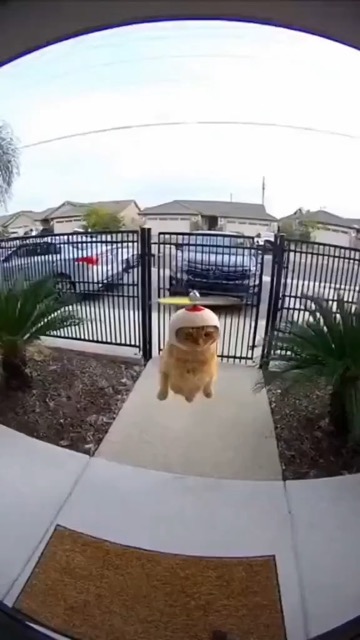
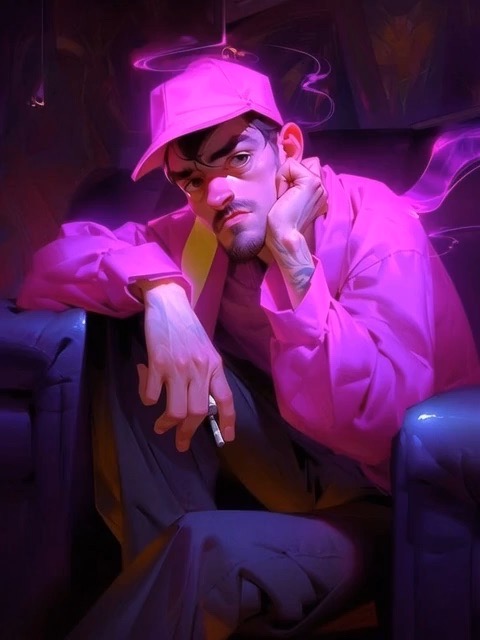
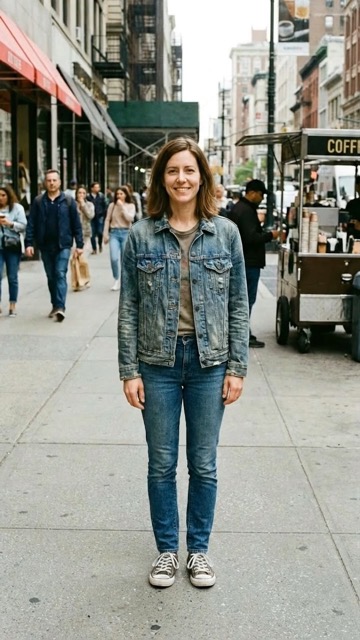
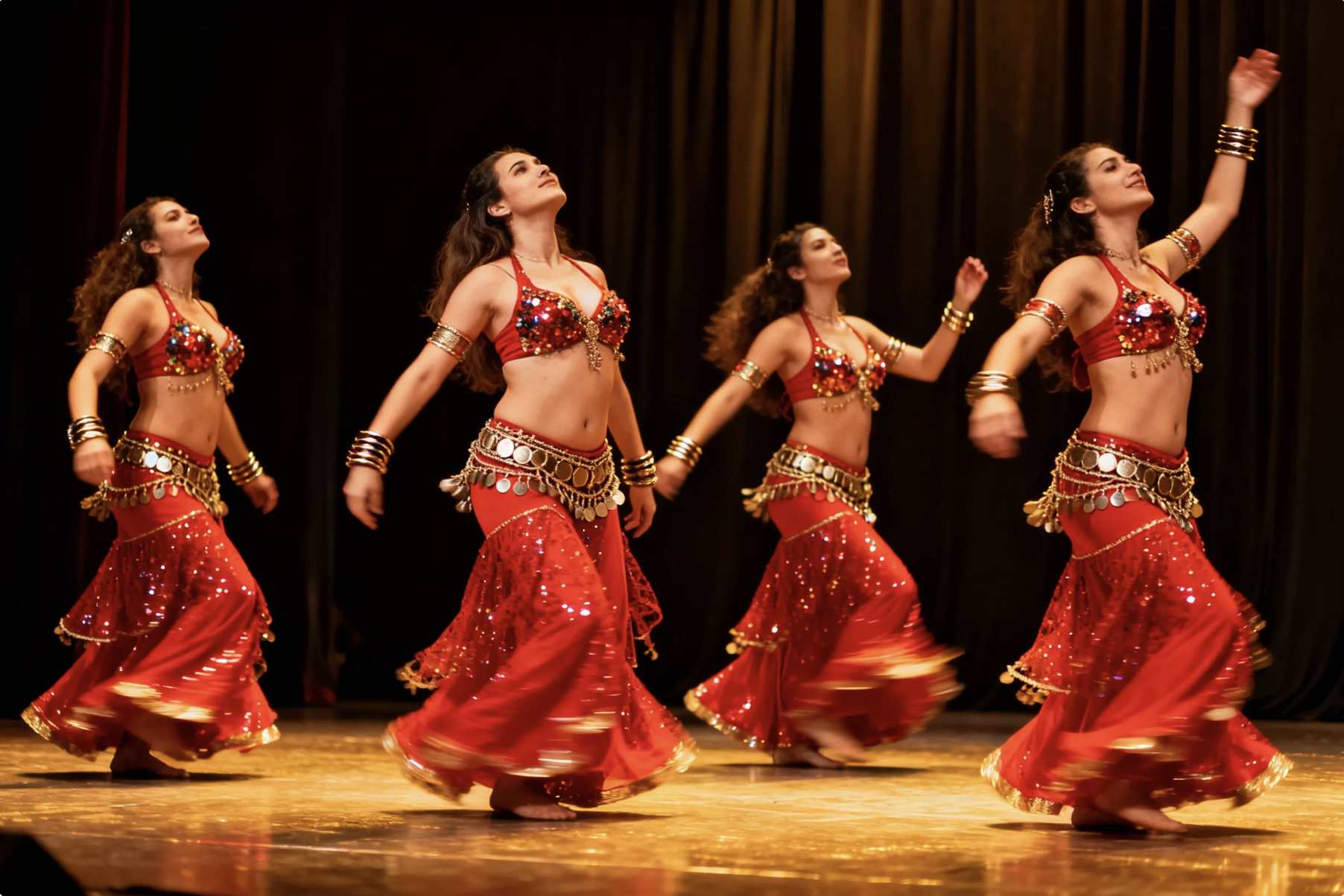
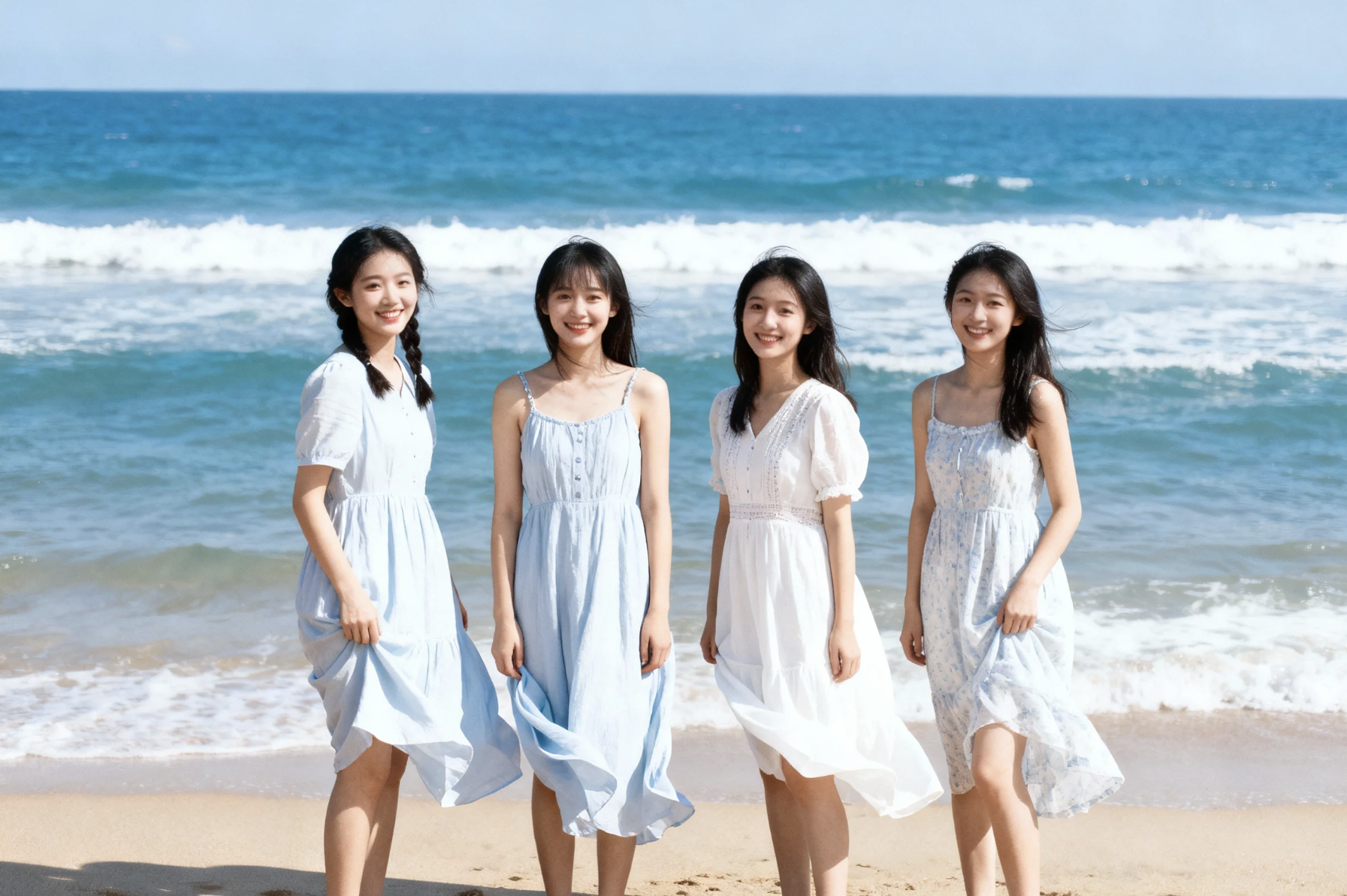
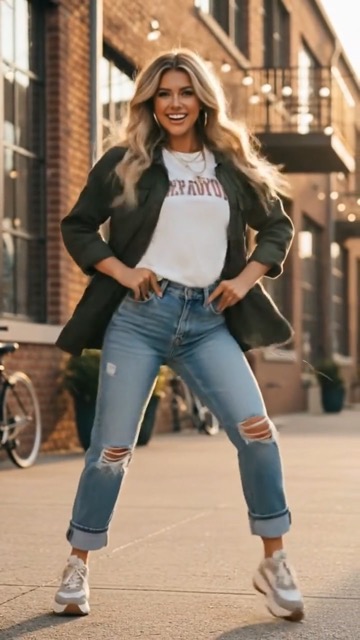
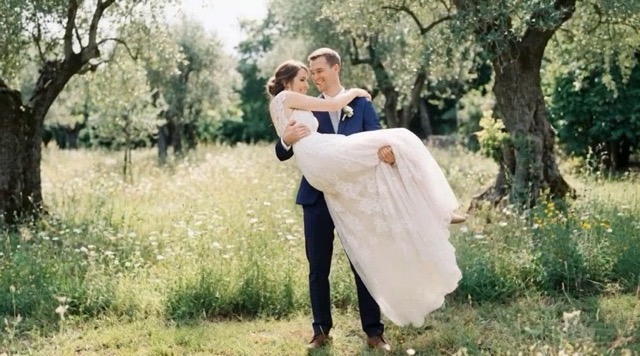
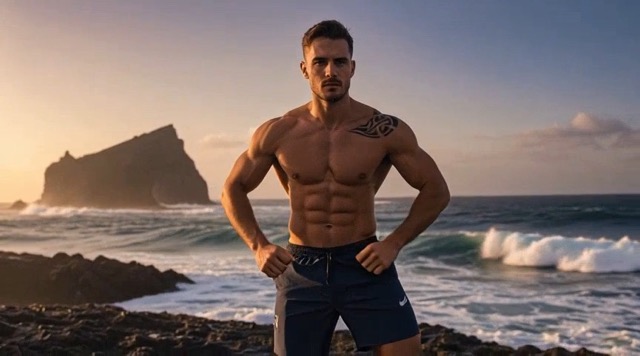
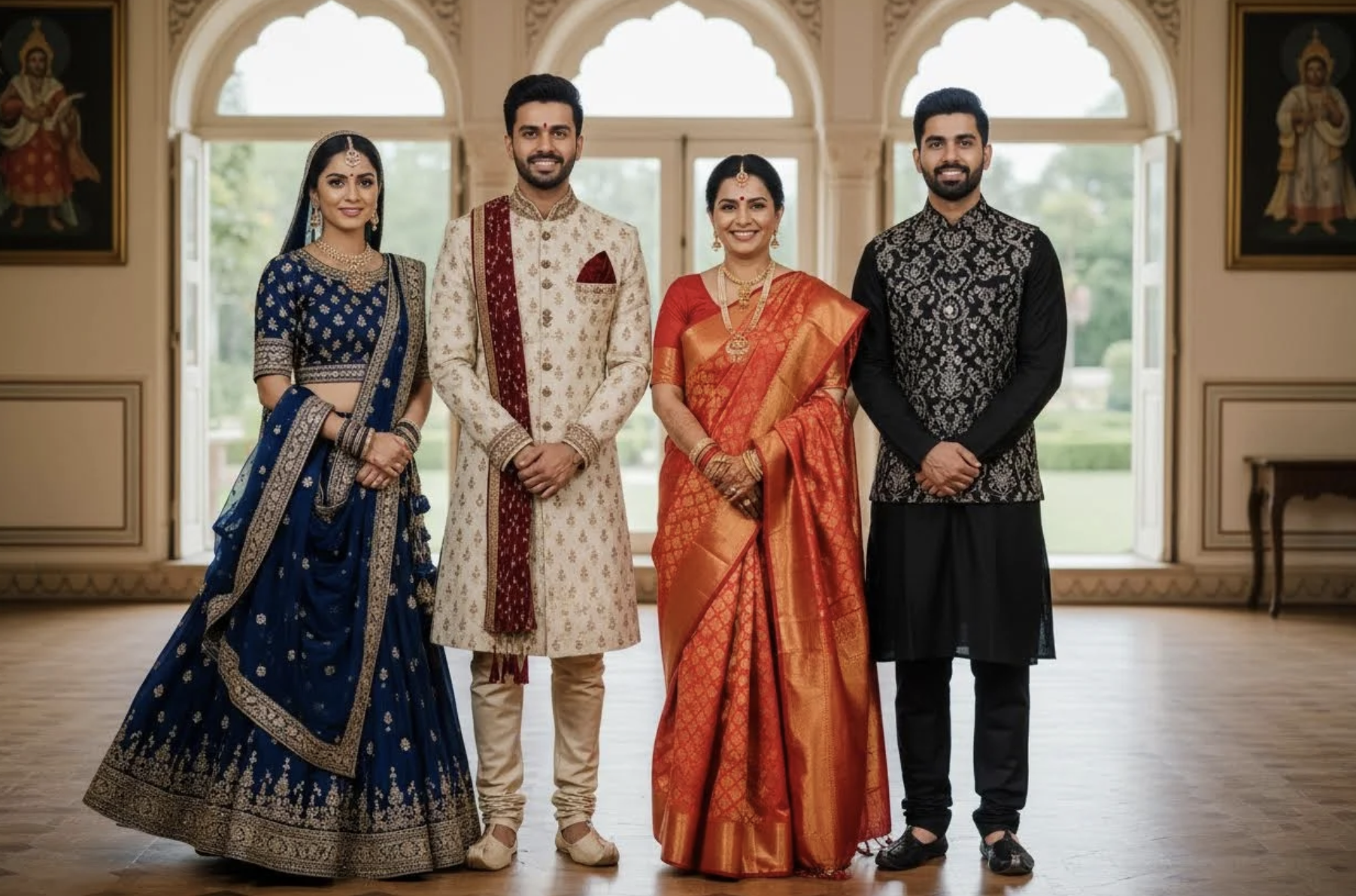
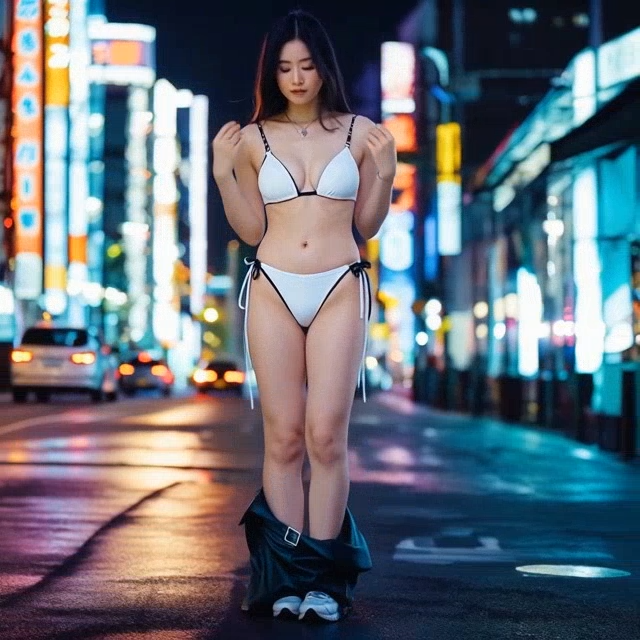
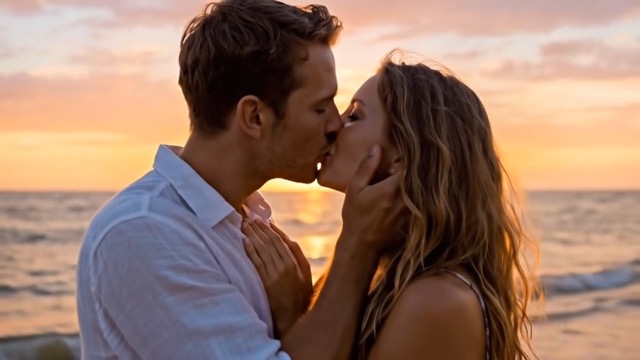
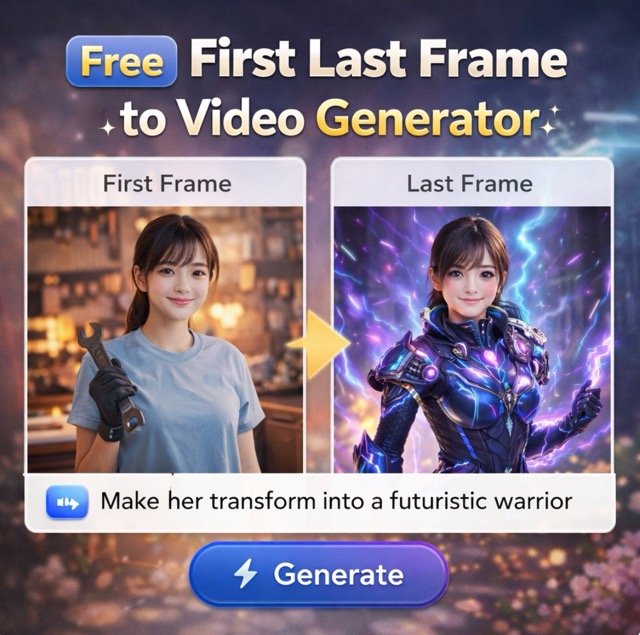
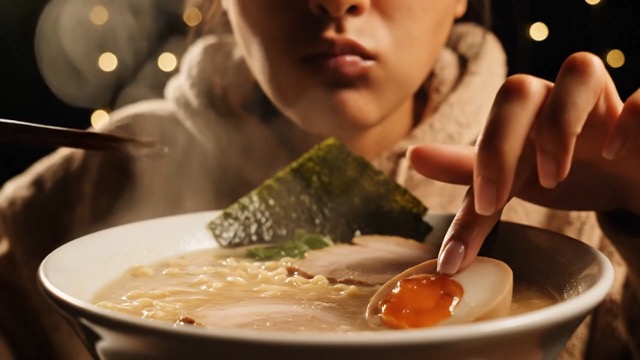

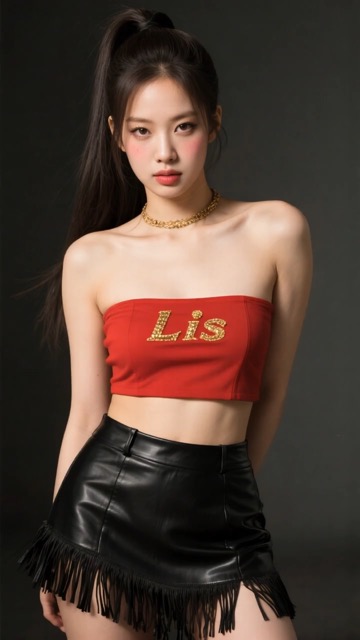
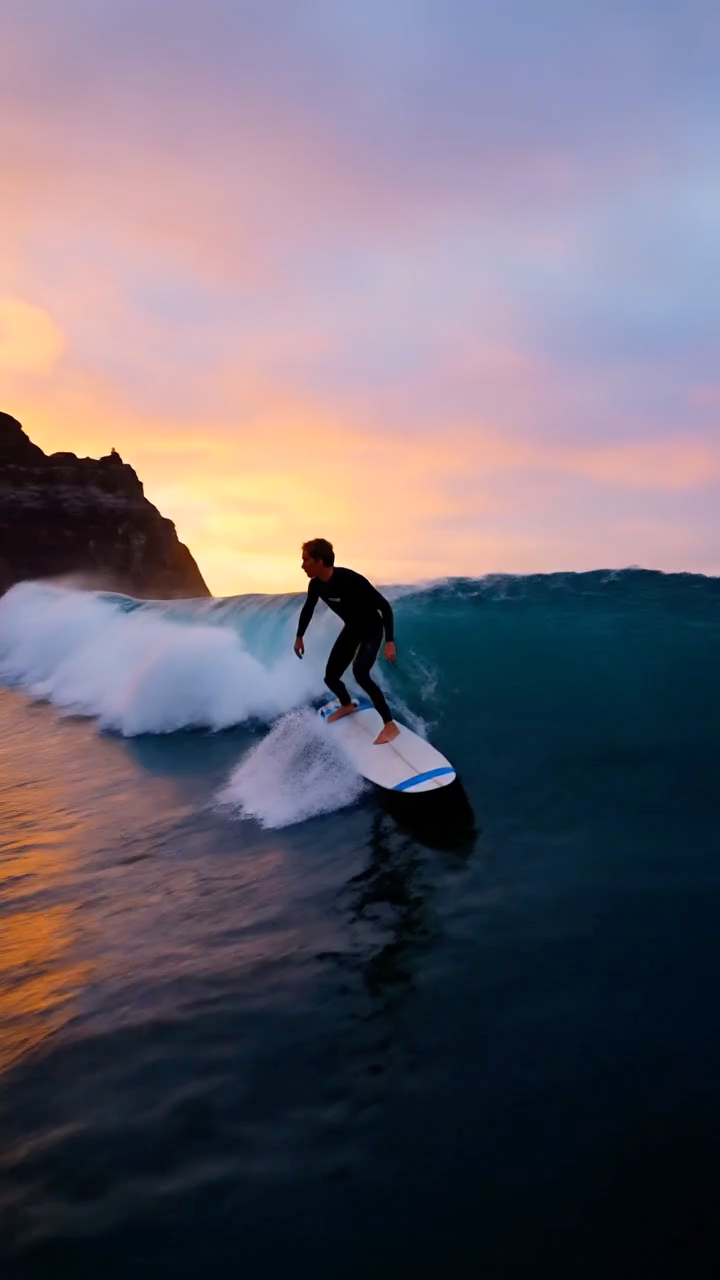
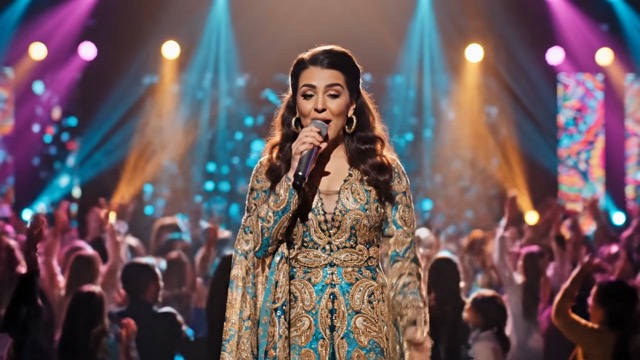
Veo 3.1: image2video ai Video Generator with Cinematic Control
Image2video Veo 3.1 Video Generator | Multi-shot image2video ai & Text-to-Video Workbench
Launch the all-new Veo 3.1 experience on Image2video, the trusted image2video ai Video Generator built on Google DeepMind's latest model. Generate 30-second cinematic clips (with 60-second extensions), stitch multi-shot narratives, lock the first and last frames, and stream pristine 1080p output with richer native audio and narrative control. Offer Veo 3.1 powered video generation as a service to your team or clients instantly with zero downloads, no sign up, and pro-grade presets for drone moves, pans, and moody lighting.
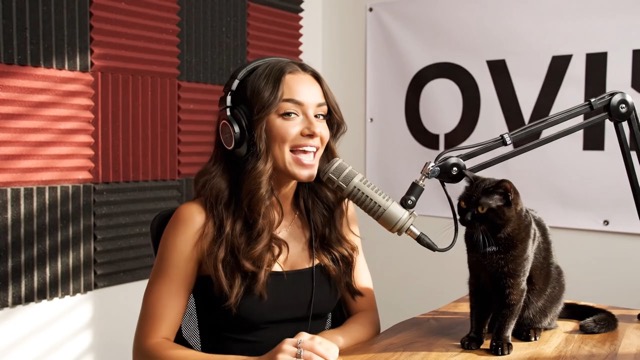
How the Veo 3.1 Video Generator Flow Works
Follow this HKRR-inspired flow to turn prompts or reference boards into polished Veo 3.1 clips with zero learning curve.

Import Visuals or Start from Text
Drop in product stills, mood boards, or plain text briefs. Image2video routes every asset into the Veo 3.1 image2video ai stack so you can switch between reference-driven and prompt-native creation inside one Video Generator workspace.

Dial Consistency and Cinematic Controls
Lock first and last frames, attach reference images for character DNA, and choose cinematic presets such as drone flyovers, dolly zooms, or moody studio lights. Advanced controls keep scenes consistent while Veo 3.1 handles motion, lighting, and lip sync.

Render, Review, and Share
Render 1080p videos, review in the browser, then export instantly without sign up. Native audio mixes dialogue, sound design, and ambient layers so you can publish or hand off to clients in minutes.
Best AI Video Tools for Creative Projects
Explore creative tools for video, learn tips and tricks, and see how AI can be your assistant in turning concepts into finished projects.
Key Features of the Veo 3.1 Video Generator by Image2video
Discover why Veo 3.1 is the preferred image2video ai Video Generator for creators, brands, and studios seeking cinematic results with pro-level control.

Image to Video Generation
Transform Reference Frames into Cinematic Motion
Image2video pairs Veo 3.1 with guided image2video ai workflows so a single still can bloom into a cinematic clip. Upload product renders or storyboards, set camera targets, and let the model extend motion for up to 30 seconds in pristine 1080p while honoring brand palettes, lighting references, and physical realism.
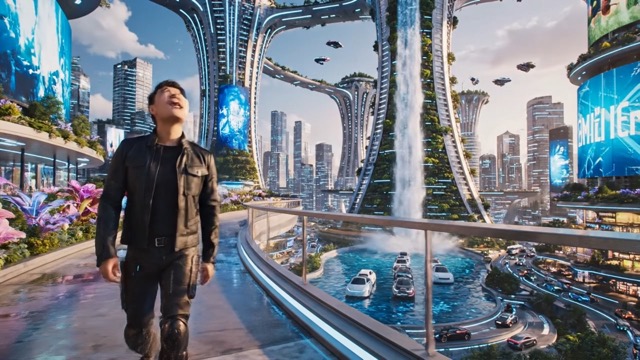
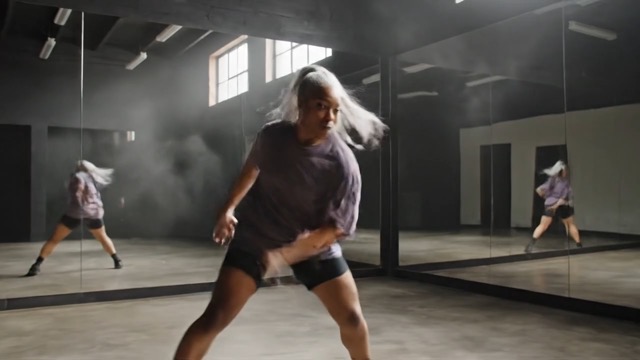
Advanced Veo 3.1 Video Generator Capabilities by Image2video
Use flagship Veo 3.1 controls to keep every scene on-brand while accelerating delivery.
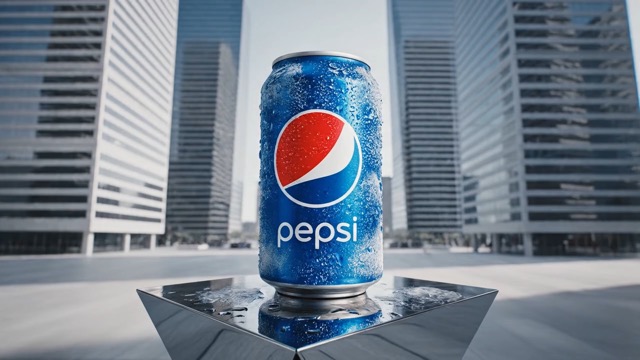
Character Referencing and Scene Consistency
Anchor characters with reference stills so Veo 3.1 keeps wardrobe, lighting, and facial details identical from shot to shot. Blend text prompts, pose control, and audio direction to deliver serialized content, branded mascots, or IP development with confident continuity.
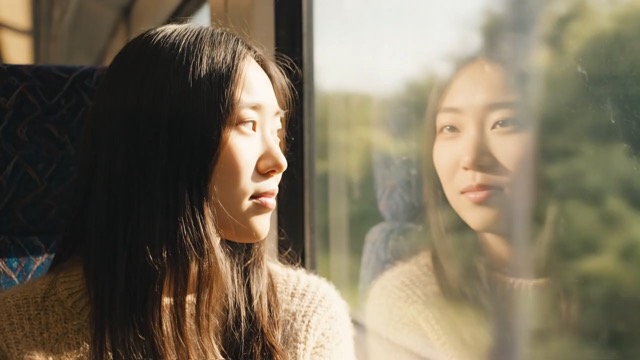
First and Last Frame Control with Extensions
Specify how scenes open and close to create seamless loops, stitch chapters, or extend edits to a full minute. Veo 3.1 honors your anchor frames while auto-filling the motion between them, perfect for social teasers, experiential screens, and campaign landing pages.
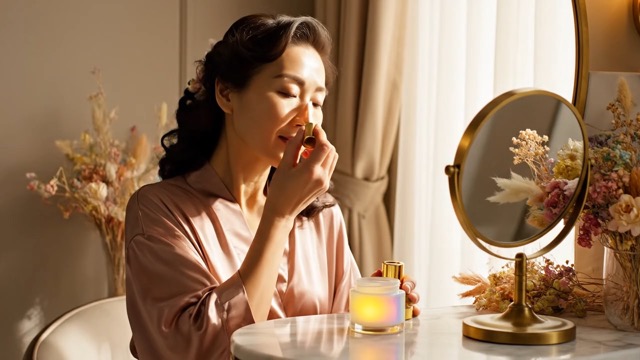
Object Editing and Image Referencing
Add hero products, props, or branded UI elements with pinpoint accuracy, or remove distractions without reshoots. Image referencing lets you guide placement, textures, and color so every Video Generator output stays faithful to your art direction.
Veo 3.1 Video Generator Use Cases - Professional Solutions by Image2video
From viral teasers to enterprise explainers, deliver Veo 3.1 powered clips that balance happiness, knowledge, resonance, and rhythm.

Social Media & Content Creation
Transform your social feeds with Veo 3.1. Remix a single product still into vertical, square, and looped edits using image2video ai, add trending audio cues, and keep character arcs intact with reference locking. Ship daily shorts that feel premium without traditional shoots.

Business & Marketing Videos
Pitch services or launches with 1080p clarity, multi-shot sequencing, and first-to-last-frame control. The Veo 3.1 Video Generator lets growth teams produce explainer films, go-to-market walkthroughs, and CX demos that mirror agency output while staying in-house.

Training & Educational Content
Educators and L&D leaders tap Veo 3.1 for realistic simulations, multilingual explainers, and safety walk-throughs. Upgraded native audio delivers confident narration while character consistency keeps lessons recognizable across entire curricula.

Creative Projects & Storytelling
Filmmakers and storytellers design emotive shorts with cinematic presets, reference-driven characters, and image2video ai scene building. Extend shots to 60 seconds, swap styles mid-sequence, and orchestrate harmonious sound design from a single prompt.

Product Demonstrations & Presentations
Showcase products with macro realism, physics-aware motion, and object swaps. Veo 3.1 lets you insert prototypes, highlight materials, or remove distractions, giving ecommerce and hardware teams a faster path to persuasive demos.

Fundraising & Pitch Videos
Founders and consultants craft fundraising films that weave interviews, UI fly-throughs, and cinematic b-roll. Multi-prompt sequencing, 1080p delivery, and polished audio mean every deck or investor page can embed a Veo 3.1 story.
What Users Love About Veo 3.1 Video Generator on Image2video
Creators and teams worldwide rely on Veo 3.1 for faster delivery, consistent branding, and cinematic polish without production overhead.
Veo 3.1 on Image2video lets me convert static lookbooks into 30 second campaign teasers with multi-shot continuity and locked first and last frames. The Video Generator keeps color grading and talent styling consistent, so we deliver client-ready spots days faster.
As a content creator, the Veo 3.1 image2video ai workflow means I can storyboard six scenes, feed reference portraits, and get 1080p output with native audio that already feels edited. Multi-prompt support keeps my character arcs intact while the model handles transitions and voice texture.
Upgraded native audio matters for faculty training: Veo 3.1 adds nuanced narration, ambient cues, and accurate lip sync in one render. I can spin up bilingual explainer series without booking studios, and the Video Generator keeps my characters consistent across every module.
Social sprints are now easy. I remix one hero image into vertical, square, and looped clips using the same Veo 3.1 presets, then push to TikTok in under an hour. Engagement jumped 60% because the cinematic presets make every short feel premium.


Frequently Asked Questions about the Veo 3.1 Video Generator
Get clarity on how Veo 3.1, image2video ai, and Image2video combine to deliver pro-grade video generation as a service.
Veo 3.1 on Image2video pairs image2video ai, multi-shot text workflows, first and last frame locks, and upgraded audio in one free workspace. The model now renders up to 30 second clips (60 with extensions) in crisp 1080p, keeps characters consistent via reference images, and offers cinematic presets for directors who want pro polish without complex pipelines.
Image2video ai lets you upload stills or product renders and have Veo 3.1 animate them with motion cues, while text-to-video turns natural language prompts into new footage. Both modes share the same Video Generator controls, so you can mix them inside a single project and reuse presets, camera moves, and native audio.
Yes. Image2video gives you browser-based access to Veo 3.1 with no downloads, fees, or account friction. Open the tool, drop in prompts or images, and export HD clips immediately.
The 3.1 release adds 30 to 60 second durations instead of the old 8 second limit, multi-shot and multi-prompt scheduling, first and last frame control, higher 1080p fidelity, sharper prompt comprehension, image referencing, cinema-grade presets, and richer audio mixing.
Attach reference stills or upload prior frames; Veo 3.1 uses that context to preserve wardrobe, lighting, and facial features across every shot. You can even specify opening and closing frames to make perfect loops or maintain product placement.
Absolutely. Outline each beat, assign duration, and Veo 3.1 stitches shots with smooth transitions, zooms, and pans. It is ideal for mini-docs, launch films, or fundraising pitches that need a full storyline.
Yes. Use the object editing panel to add hero products, remove distractions, or change props, then lock the start and end frames for seamless loops or extensions. The Video Generator keeps motion, lighting, and audio coherent across the edit.
Yes, you can use the clips for campaigns, paid ads, product demos, social monetization, and internal training as long as you hold rights to your input assets. Image2video's Veo 3.1 workspace is designed for professional and commercial delivery.
Start Free Veo 3.1 Video Generator on Image2video Today
Experience the Veo 3.1 image2video ai service with multi-shot workflows, 1080p output, reference locking, and upgraded audio. Deliver cinematic clips in minutes, pitch new ideas faster, and give clients a complete Veo 3.1 Video Generator without leaving the browser.